Free browser tool
Will your script fit?
Estimate speaking time, adjust the pace, and see how much to shorten for your target duration. Rehearse before you record.
Open the script timer → ZaPrompt OnAir
The next take starts here
Prepare a script that fits, make it easier to read, and record a message that sounds like you.
Start with the task in front of you. These practical resources cover script timing, phone recording, and natural delivery, with examples you can use in your next rehearsal.
Free browser tool
Estimate speaking time, adjust the pace, and see how much to shorten for your target duration. Rehearse before you record.
Open the script timer →Phone recording
Set up Camera Prompter, position your words near the lens, record a test, and export your finished take.
Follow the recording guide →Better delivery
Rewrite stiff sentences, reduce visible eye movement, and compare three short takes to find what works.
Try the delivery workshop →Start writing
Use original fill-in templates for a product demo, tutorial or short introduction, then time your own version.
Explore the script templates →The free script timer runs in your browser and helps you prepare your words. It does not record video. The mobile app adds camera prompting and saved takes; the desktop app supports prompting workflows for Mac and Windows. App features and subscription terms are explained on the corresponding product pages.
Explore mobile recording · Get the desktop app · Read the setup documentation
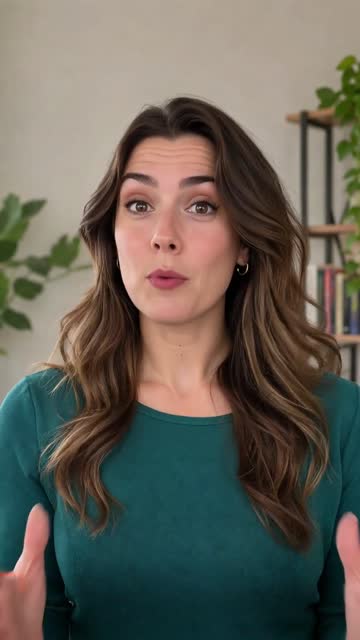
30-second introduction. Explore mobile prompting and recording.
Watch video →
54-second overview. Explore reading width, pace and mobile and desktop prompting.
Watch video →